1080p vs 1440p gaming monitor: which upgrade fits?
Picking between 1080p and 1440p comes down to screen size, desk distance, and how much FPS headroom you want. This guide also shows why sharper 1440p panels can make anime wallpapers and desktop setups look cleaner.
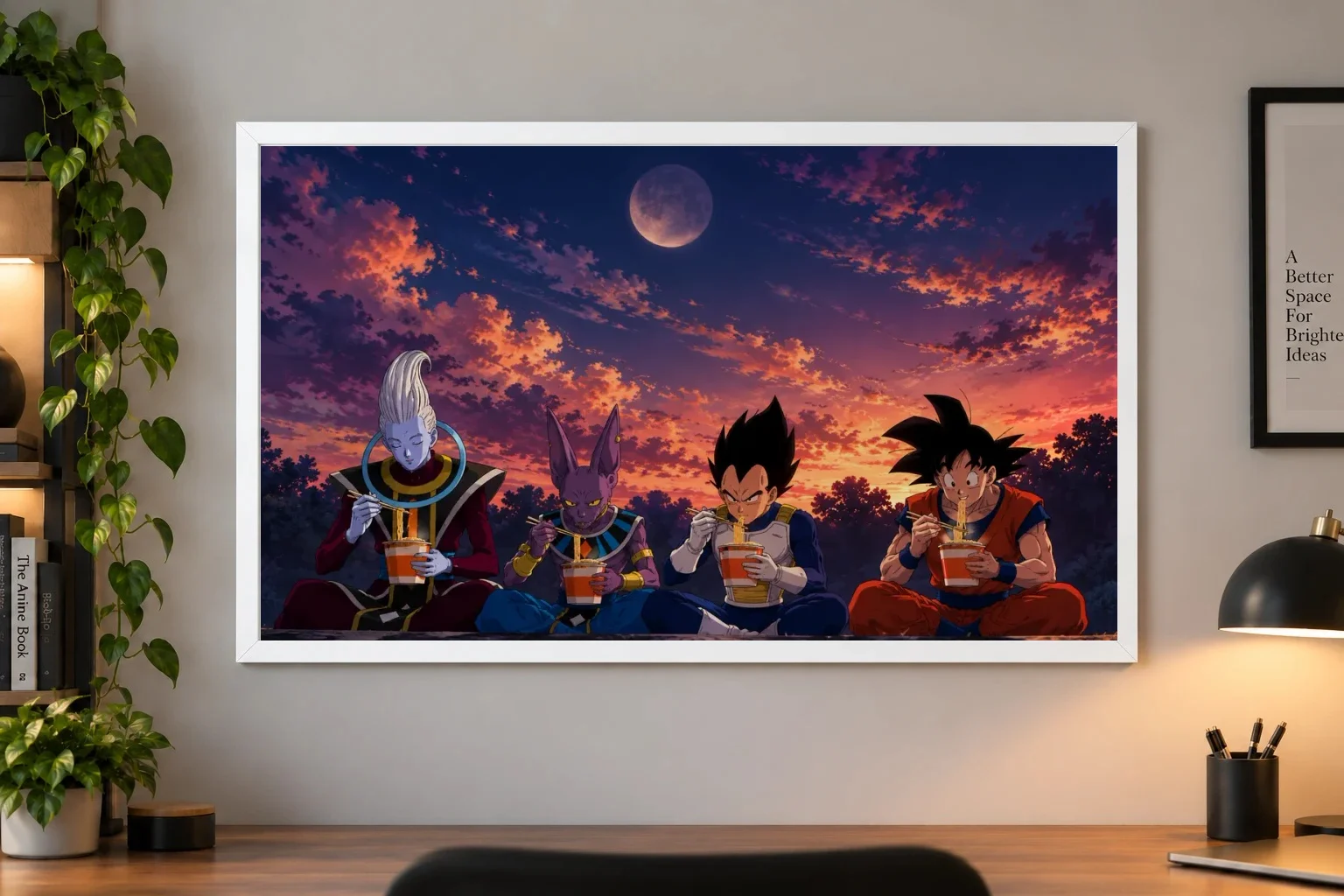
Pick by size, not hype
Wallpaper sharpness, text clarity and desk distance tell you more than reddit fights do. If you're stuck on 1080p vs 1440p gaming monitor reddit threads, strip it down to two questions: how big is the screen, and how much frame-rate headroom do you want. For a close desk and competitive play, 24 to 25 inches is still a common 1080p pick. For 27 inches, mixed use, and single-player games, many buyers prefer 1440p. Resolution matters. Just not by itself.
1080p vs 1440p: what actually decides it
| Criteria | 1080pBest for close-desk FPS | 1440pBest for 27-inch mixed use |
|---|---|---|
| Best screen size | 24 to 25 inches | 27 inches |
| Main priority | Higher FPS headroom | Sharper image and desktop |
| Best game fit | Esports, competitive shooters | Single-player, mixed genres |
| Desk distance fit | Close to your face | A bit more breathing room helps |
| Wallpaper and icons | Fine, less crisp on larger screens | Noticeably cleaner at 27 inches |
| GPU pressure | Lower | Higher |
| Bad pairing | 27-inch if you care about sharpness | Weak GPU if you chase high settings |
Resolution is only one part of monitor quality. Panel quality, response tuning, contrast and input lag still matter.
What resolution changes in practice
Resolution changes how much detail is packed into the panel. That affects two things you notice fast: how sharp the image looks, and how hard your GPU has to work. It does not, by itself, tell you whether a monitor has good motion clarity, strong contrast, accurate colour or low input lag. Buying advice often gets messy because people treat 1440p as automatically better, or 1080p as automatically faster. The useful question is what you notice first while playing. If you're tracking targets and chasing stable high refresh, extra GPU load will often matter more. If you're looking at UI, scenery, subtitles, browser tabs and desktop wallpaper for hours, sharpness often matters more.
What you notice by use case
Pick 1080p if your priority is keeping GPU pressure lighter and the screen will stay close at 24 to 25 inches. Skip it if you also care a lot about desktop sharpness through the day and your frame rates are not already under strain, because 1440p can still make sense when play is competitive but the monitor is not only for matches.
Pick 1440p if you want cleaner HUD elements, text, wallpaper and room-facing setup polish, especially once the screen moves toward 27 inches. Skip it if your GPU already feels stretched or you sit very close to a smaller screen, where the sharpness gain may matter less than the added load.
Pick 1440p if this display spends as much time on browsing, streaming, chat and wallpaper as it does in games, and you want the desktop to look tidier at larger sizes. Skip it if the desk is shallow and the monitor will stay 24 to 25 inches close-up, because 1080p still fits that layout better when you value comfort and headroom over extra crispness.
Pick 1080p if you want the larger screen size more than the resolution jump and would rather protect performance now. Skip it if soft text and desktop sharpness are already the thing bothering you most, because this is the classic trade-off: easier rendering versus a cleaner everyday image.
Pick 1440p if your real upgrade goal is text, icons, wallpaper and general desktop feel, not just extra in-game detail. Skip it if gaming performance is the pain point you notice first, since resolution alone will not fix motion handling and may push your GPU harder than you want.
Where 1080p still wins
1080p doesn't have to be a compromise. It can still be the right fit if you sit close, prefer smaller screens, and care more about keeping frame rates high than cleaning up edges in static scenes. That's why 24-inch 1080p keeps showing up in competitive setups. The pairing can make sense: the screen stays compact in your field of view, eye travel is often lower, and the GPU has an easier job. If your PC is already working hard in the games you play, jumping to 1440p mainly for the spec bump may be the wrong upgrade. Better motion handling, better response tuning or simply a monitor size that fits your desk may matter more than the resolution bump.
Where 1440p earns it
1440p is often a practical step once you move to 27 inches or use the monitor for more than ranked matches. This is where sharper desktop elements, cleaner anime wallpaper, and a more polished overall image can change the feel of the setup. Many users notice it while reading text, sorting files, watching streams and staring at the home screen between games. For anime fans, that may matter more than spec-sheet bragging. Character art, line work and typography can look cleaner on a sharper panel, especially if your desk setup is meant to look tidy from both the chair and the room. Just don't oversell it: stream quality still depends on the source and bitrate, and a higher-resolution monitor does not magically fix a poor video feed.
Who should skip which
| Criteria | Skip 1080p | Skip 1440p |
|---|---|---|
| Your screen plan | 27 inches or larger | 24 to 25 inches close-up |
| Your play mix | Single-player or mixed use | Mostly competitive FPS |
| What annoys you most | Soft text and rough desktop edges | Frame-rate drops and extra GPU load |
| Desk setup | You want a cleaner room-facing look | You have a tight desk and sit close |
| Upgrade mindset | You want the monitor to outlast this GPU | You don't want added rendering pressure now |
There is no universal distance or GPU tier that settles this for everyone. Comfort, eyesight and game settings change the result.
Related: Browse the full catalogue
Frequently Asked Questions
Yes, if you want a sharper image, cleaner desktop text, or a 27-inch screen for mixed use and single-player games. If your priority is the highest possible FPS on a close 24 to 25 inch setup, 1080p still makes more sense.
Usually yes, because the GPU has more pixels to render. How much it matters depends on your graphics card, game settings, and refresh-rate target, so the performance hit can be small for some setups and noticeable for others.
27 inches is the sweet spot for most people. That size shows the sharpness benefit clearly without making the monitor feel too small, while larger screens can benefit too if your desk depth and GPU are up to it.
Yes. Most 1440p monitors can run 1080p content, but it may not look as crisp as native 1440p. It still works well if you want the option to lower resolution for harder-to-run games.
Yes. It remains a strong choice for competitive play because it keeps GPU load lighter and suits 24 to 25 inch monitors very well, especially when you sit close to the screen.
A comfortable desk distance is usually around arm's length or a little more. The exact sweet spot depends on screen size, but 1440p tends to feel best when you are not extremely close to a small panel.
Our paper posters are printed on 300 GSM art board — thick, sturdy, and fade-proof with OEKO-TEX certified inks. We also offer canvas (poly-canvas on wooden stretcher frame), acrylic (3 mm glossy UV-printed), framed (1" black or white frame with laminated finish), and metal (1 mm aluminium with magnets). Every format is gallery-grade.
Every poster is made to order and typically arrives within 3-7 business days across India. Paper posters ship in protective carton tubes; framed and acrylic prints ship in rigid packaging. You'll receive a tracking link via email and SMS as soon as your order ships.
Shipping is free on every order, whatever you buy, and there is no minimum order. Where cash on delivery is offered, it adds a ₹40 handling fee; paying online has no extra charge.
More questions? See the full FAQ.
Ready to Fill the Walls?
Premium anime posters, printed on gallery-grade 300 GSM stock. Made to order, shipped across India.
Shop PostersMore from the Hub
 guide
guideWhat DPI Do Pro Players Use? What Matters More for Aim
Pro players often use 800 or 1600 DPI, but the real difference comes from in-game sensitivity, polling rate, and sensor quality. Learn a setup that fits your game, grip, and desk space.
 guide
guideJujutsu Kaisen Posters: Which Sorcerer Belongs on Your Wall?
Jujutsu Kaisen Part 2 has no release date yet. Here is how to choose between 18 Jujutsu Kaisen posters, sorted by sorcerer, with a side-by-side of the three Toji designs.
 guide
guideDemon Slayer Posters: Pick by Art Style While You Wait for Part 2
No release date has been announced for Demon Slayer: Infinity Castle Part 2. Here is how to choose a poster from the Demon Slayer range by art style, and how to group them.